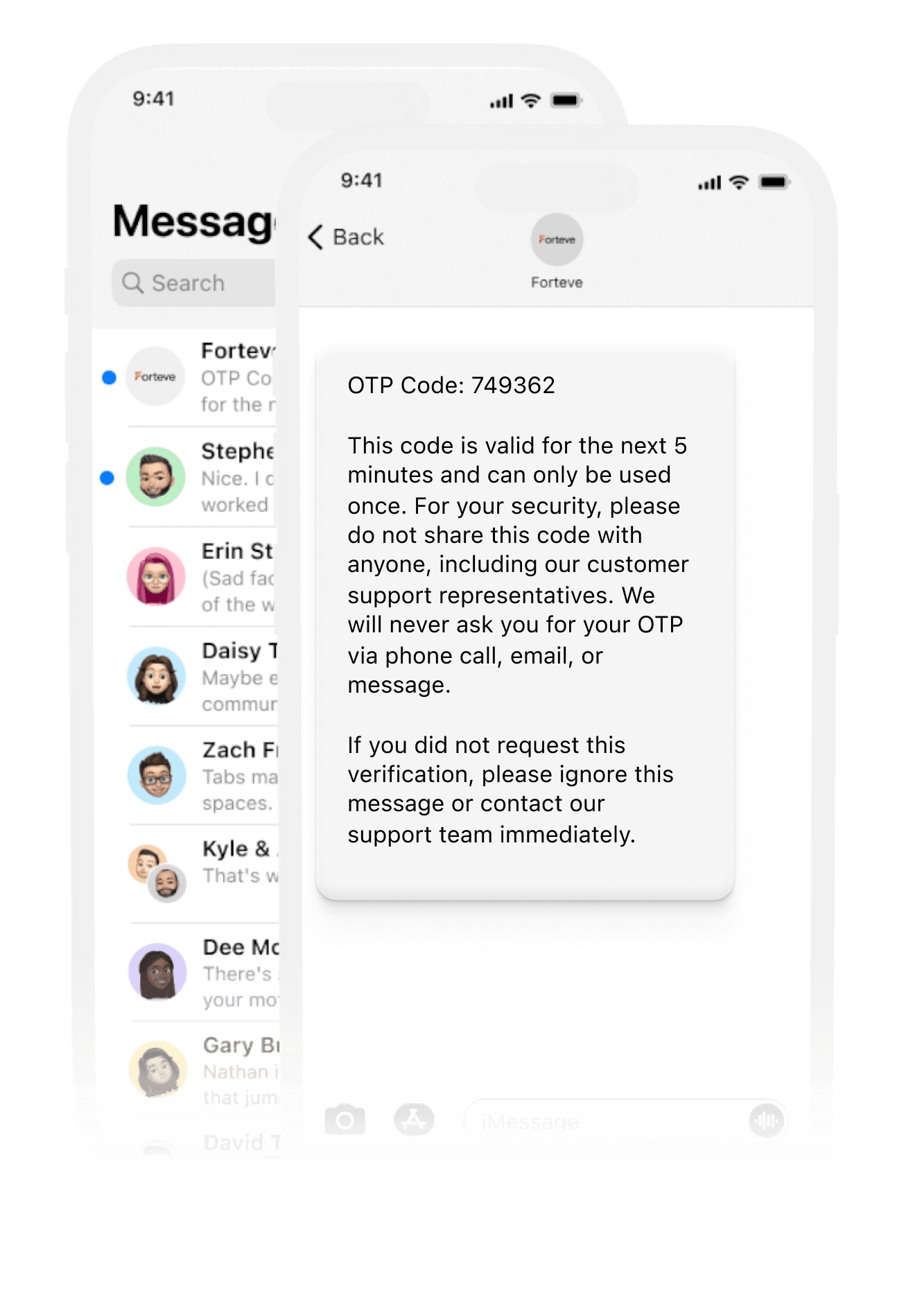

With Session Bird’s SMS Shared Inbox, your entire team can manage business text messages from one unified platform — eliminating confusion, reducing response times, and improving customer satisfaction. Whether it’s support, notifications, or proactive messages, bring all SMS conversations under one roof.

Simplify & Automate Your Business SMS Communication

Trusted by Top Businesses Worldwide

Empower your support and sales teams with a centralized Messenger platform that improves collaboration, speeds up responses, and ensures no customer message goes unanswered.

Item 1
Item 2
Item 3
Item 4
Item 5
Item 6
Item 6

Why Your Business Needs an SMS Shared Inbox

In traditional SMS systems, texts land on individual phones, making it hard for teams to keep track of conversations. A shared SMS inbox centralizes every message, so your team can respond faster and work smarter together.

Unified & Centralized Inbox

All incoming and outgoing SMS conversations are gathered in one dashboard so agents never miss a message or respond twice by mistake.

Smart Message Assignment

Instantly assign messages to specific team members to ensure the right agent handles every conversation — improving accuracy and accountability.

Automated Responses

Configure auto replies to handle common inquiries during busy hours or after business hours — ensuring prompt customer replies around the clock.

Custom Tags & Labels

Organize and prioritize SMS threads with customizable tags for easier workflow management and quicker navigation through conversations.

Collaborative Team Features

Work together seamlessly — add internal notes, share context, and coordinate replies without duplicating effort.

Performance Analytics

Gain real time insights into team messaging performance, response times, and engagement metrics to optimize communication strategies.

Use Cases for SMS Shared Inbox

Automate conversations to respond faster and engage customers at the right moment. With smart workflows, auto-replies, and triggered messages, you can deliver personalized experiences at scale—without manual effort.

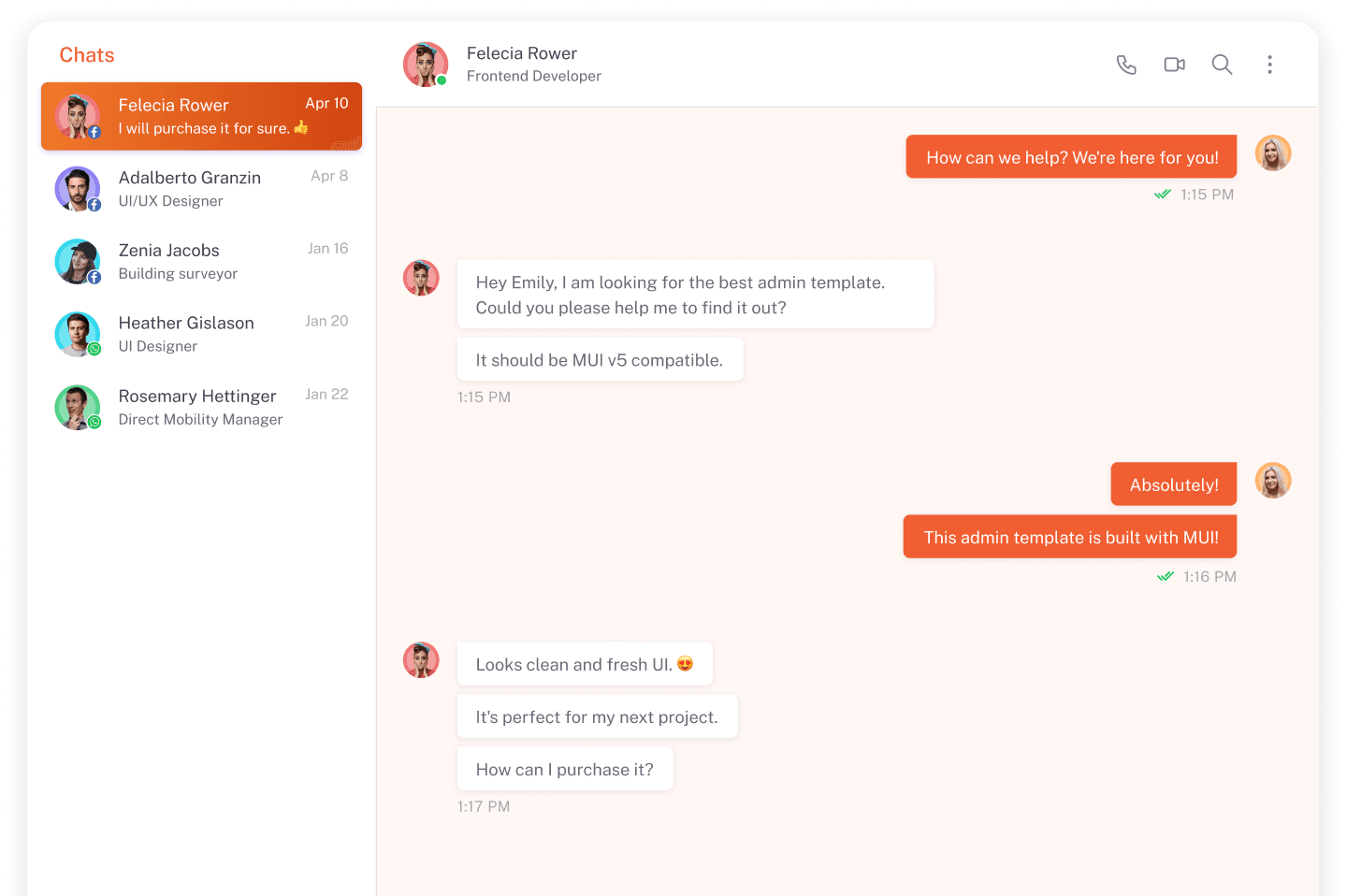
Customer Support

Handle support messages, troubleshoot issues, and guide customers directly via SMS with full context and history.

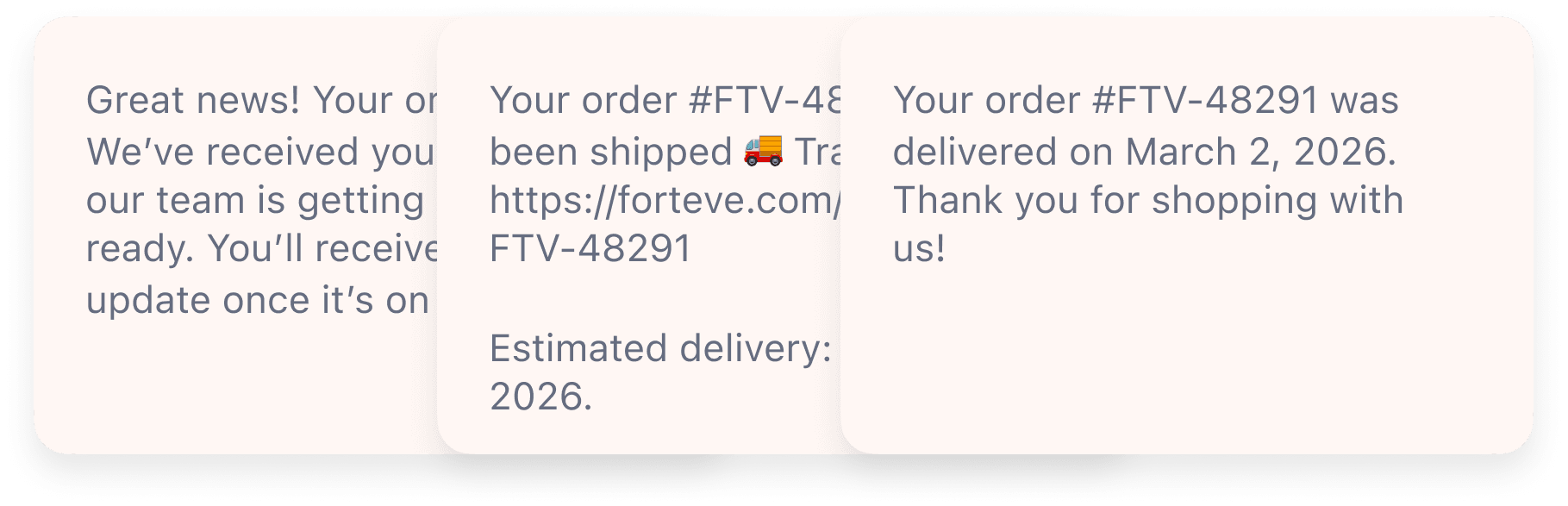
Order & Delivery Updates

Send automated confirmations, shipment updates, and delivery notifications right through SMS.
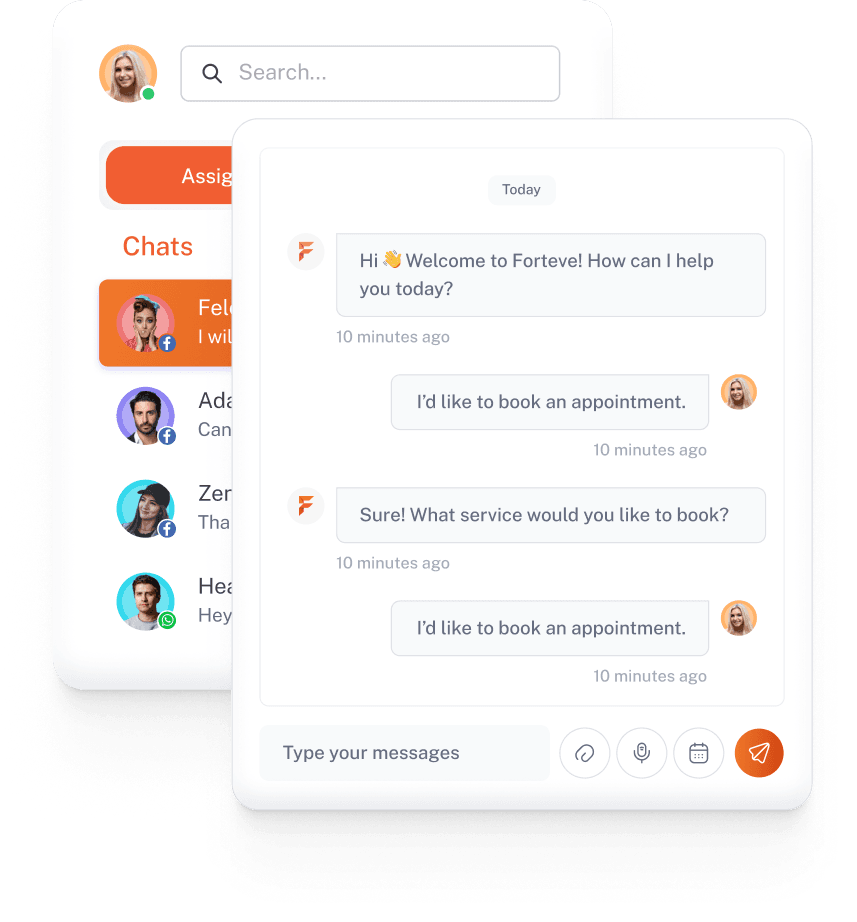
Appointment Reminders

Reduce no-shows with timely SMS reminders and follow-ups delivered automatically.
Marketing & Promotions

Broadcast targeted offers or announcements to segmented SMS audiences quickly and efficiently.
How SMS Shared Inbox Improves Communication

1

Boost Productivity

Eliminate clutter and confusion by having all texts in one place — your team can respond faster and collaborate efficiently.

2

Enhance Customer Experience

Instant replies and organized message tracking create a professional experience that keeps customers happy and engaged.

3

Reduce Response Time

With centralized access and auto-responses, customers get replies faster — improving satisfaction and trust.

Frequently Asked Questions

Find quick answers to the most common SessionBird queries.

How does a shared SMS inbox prevent duplicate responses?

Our system locks conversations once an agent is replying, ensuring only one agent can respond at a time.

Can I assign messages to specific team members?

Yes – you can instantly assign texting threads to the best‑suited agent with a single click.

What if an SMS arrives when someone is offline?

All incoming texts stay in the shared queue until picked up or assigned, so no message gets lost.

Can I see full SMS history and notes?

Absolutely — every message thread stores its history, assignments, and internal notes for full context.

Start Your Journey Today

At Session Bird, we’re more than just a platform — we’re your partner in smarter communication. Whether it’s marketing, sales, or support, we help businesses connect with customers effectively and grow faster.

Book A Demo

Fill out the form and we will reach out to you soon