
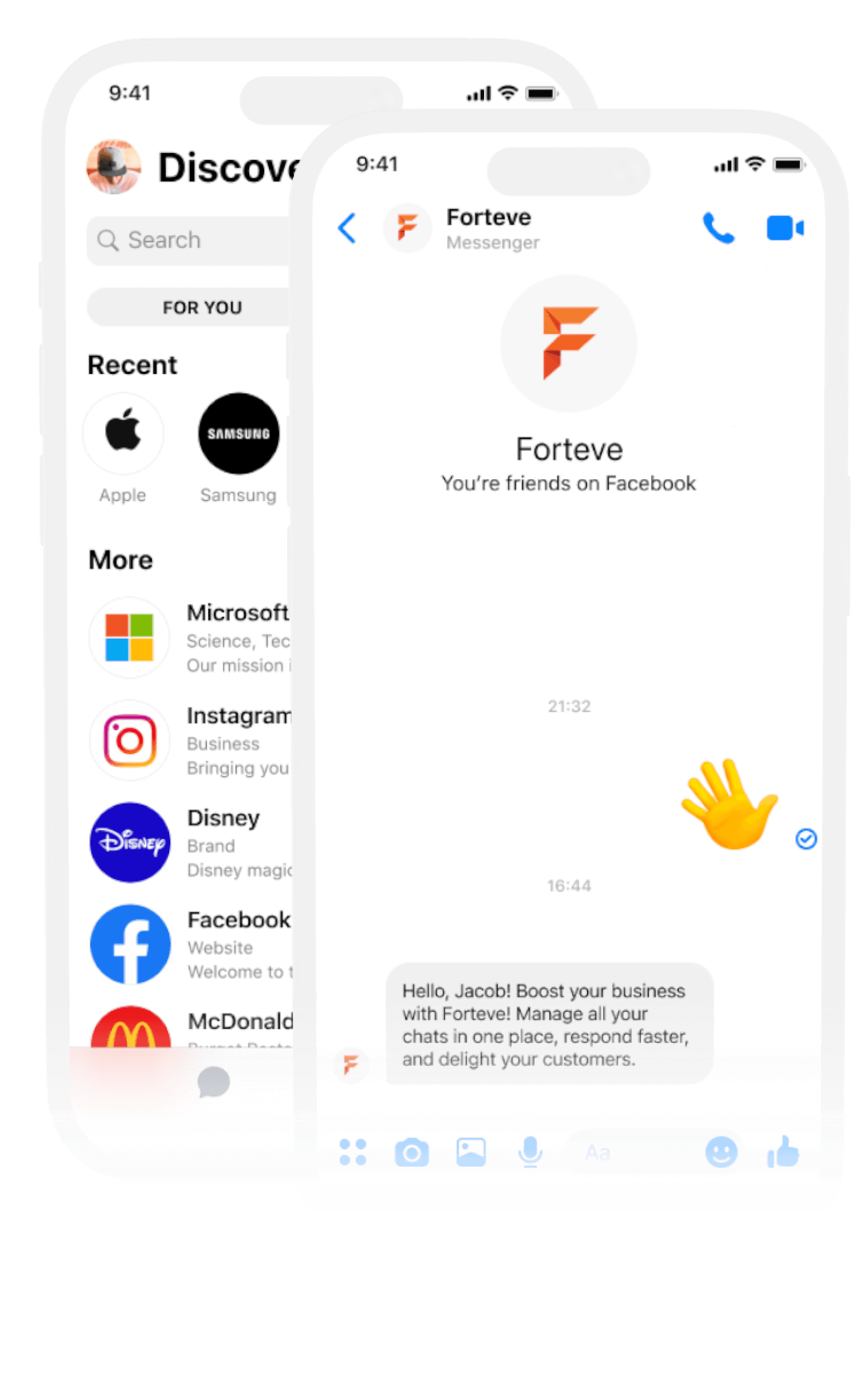

Manage All Messenger Conversations in One Place

Unify your team’s Facebook Messenger communication with Session Bird’s Messenger Shared Inbox — a powerful solution that helps businesses handle multiple Messenger chats efficiently, automate replies, and boost customer satisfaction from one central dashboard.

Trusted by Top Businesses Worldwide

Empower your support and sales teams with a centralized Messenger platform that improves collaboration, speeds up responses, and ensures no customer message goes unanswered.

Item 1
Item 2
Item 3
Item 4
Item 5
Item 6
Item 6

Why Use Messenger Shared Inbox for Your Business?

Managing multiple Facebook Messenger accounts separately can be chaotic — conversations get lost, agents overlap responses, and tracking customer history becomes difficult. With Session Bird, everything is organized in one shared inbox for total clarity and efficiency.

Centralized Messenger Management

Connect and manage multiple Facebook Messenger accounts in one unified inbox — no more switching between apps or windows.
Smart Chat Organization

Use labels, filters, and notes to keep conversations organized and easy to find.

Assign Chats to Agents

Instantly assign incoming messages to the best suited team member to ensure quick and accurate responses.

Automated Replies & Workflow

Set auto replies for common queries, schedule follow ups, and use automation to stay responsive even outside business hours.
Real Time Alerts

Receive instant email or in dashboard alerts when chats are assigned or updated — keeping your team on top of every message.

Build Strong Relationships

Engage with customers instantly and maintain conversation history for personalized communication.

How Messenger Shared Inbox Helps Your Team

From the first interaction to ongoing customer support, Messenger allows fast, reliable, and personal communication.

Faster Customer Support

Respond quickly to customer inquiries with shared visibility and smart automation, ensuring satisfaction and retention.
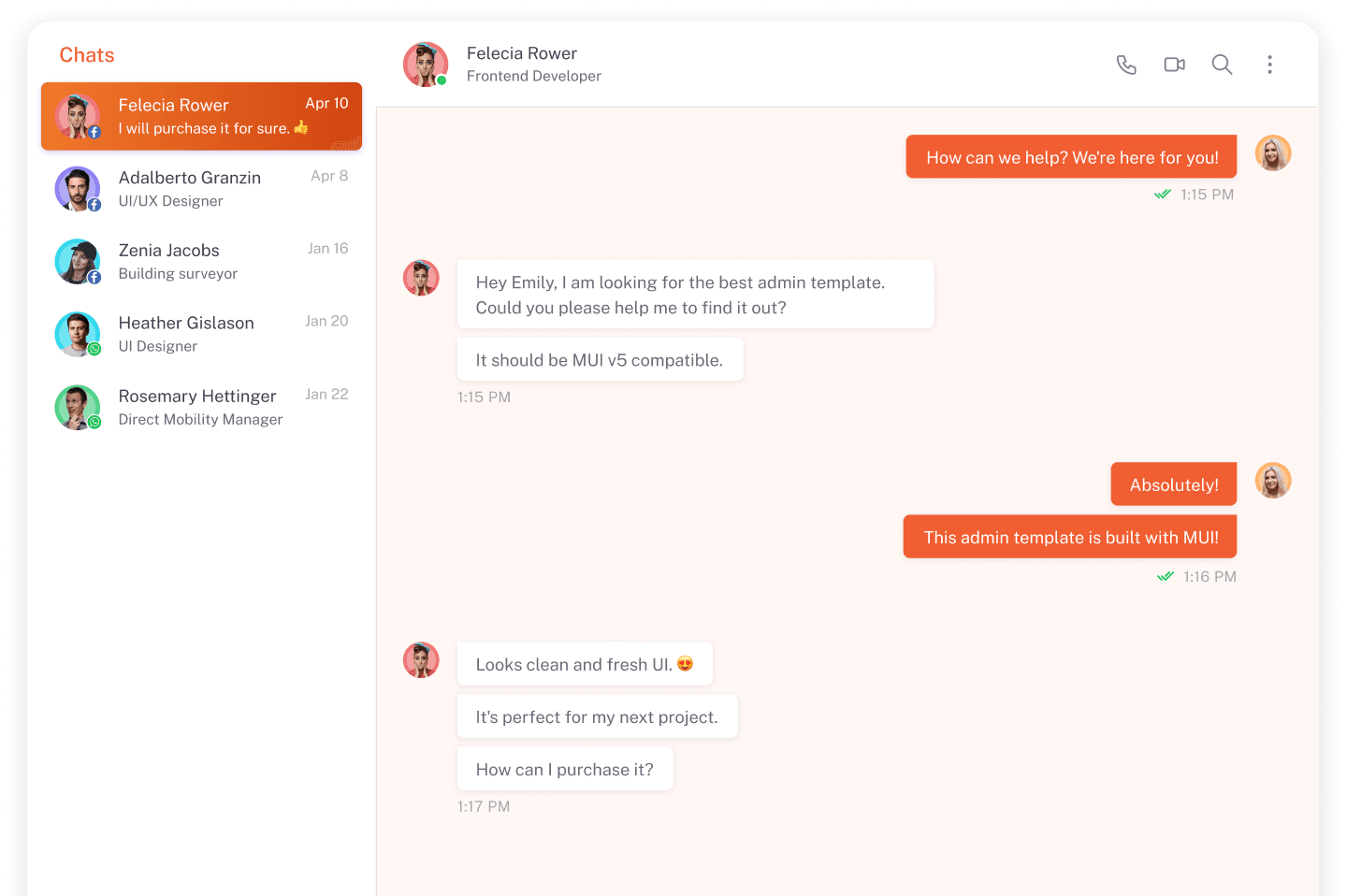

Improved Team Collaboration

Coordinate tasks, share internal notes, and streamline responses — all within a single shared inbox.
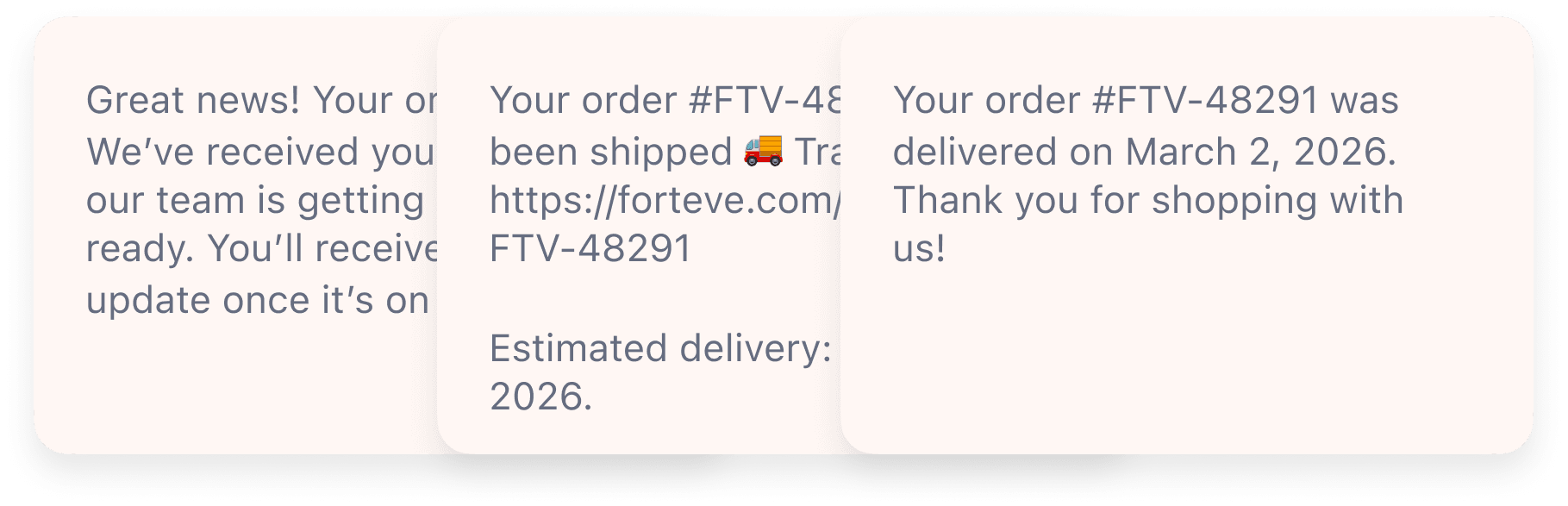

Boosted Sales Engagement

Use Messenger as a sales channel to engage prospects, nurture leads, and close deals faster with personalized replies.

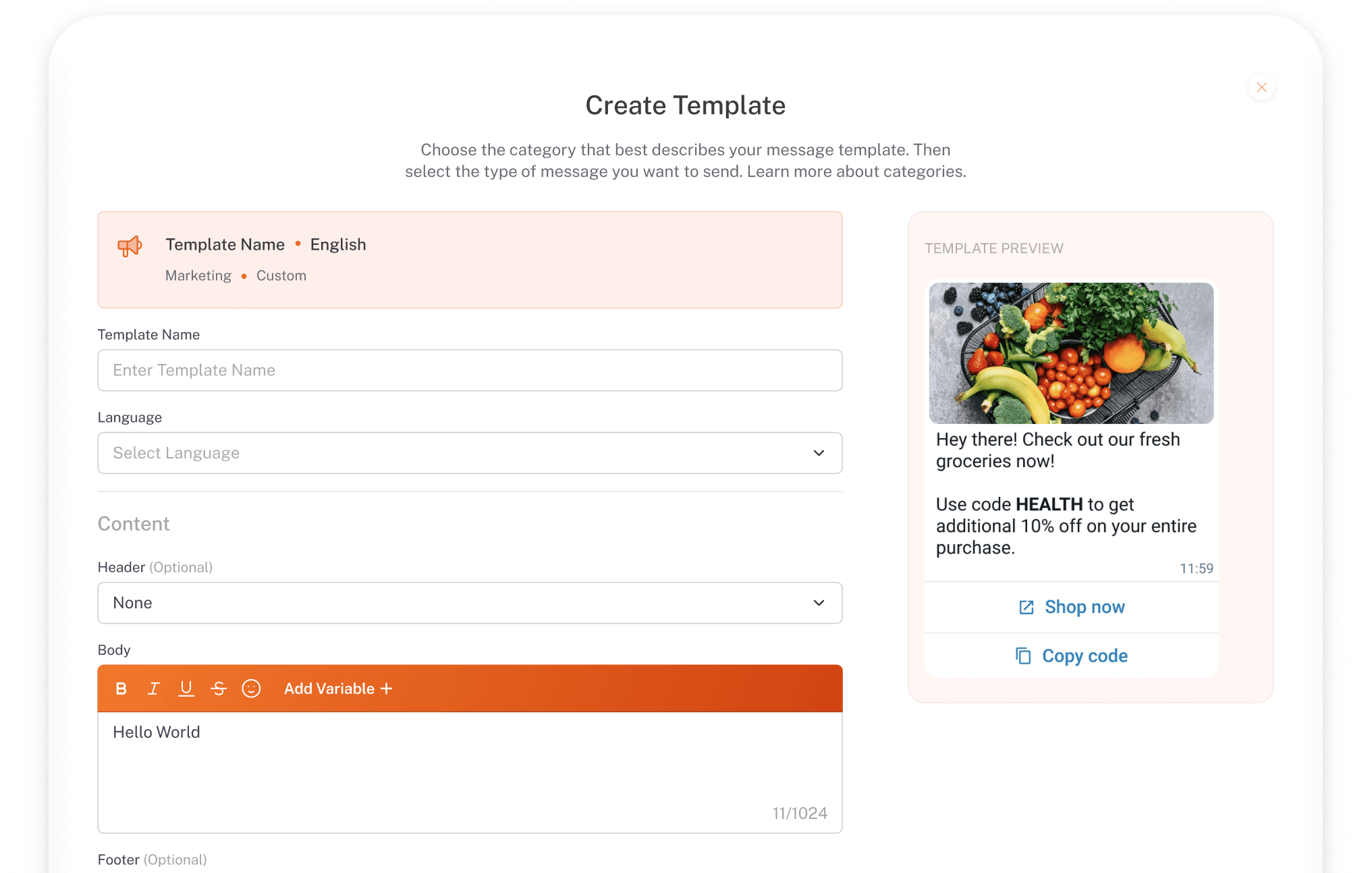
Efficient Marketing Outreach

Send announcements, promotions, and campaign messages directly through Messenger with automated workflows.
Frequently Asked Questions

Find quick answers to the most common SessionBird queries.

Can I manage multiple Messenger accounts in one dashboard?

Yes! Session Bird’s shared inbox supports multiple Facebook Messenger accounts in one unified place.

Is this better than Meta Business Suite’s inbox?

Absolutely — Session Bird offers smarter automation, better organization, reporting tools, workflows, and integration abilities that Meta’s default inbox doesn’t provide.

Can I set automatic replies?

Yes — you can configure smart auto‑replies and automation workflows to respond instantly.

Will agents receive alerts for new chats?

Yes — receive alerts via email or dashboard notifications as soon as messaging threads are assigned.

Can Messenger chats be integrated with CRM or support tools?

Yes — you can sync conversations directly with CRM systems.

Start Your Journey Today

At Session Bird, we’re more than just a platform — we’re your partner in smarter communication. Whether it’s marketing, sales, or support, we help businesses connect with customers effectively and grow faster.

Book A Demo

Fill out the form and we will reach out to you soon